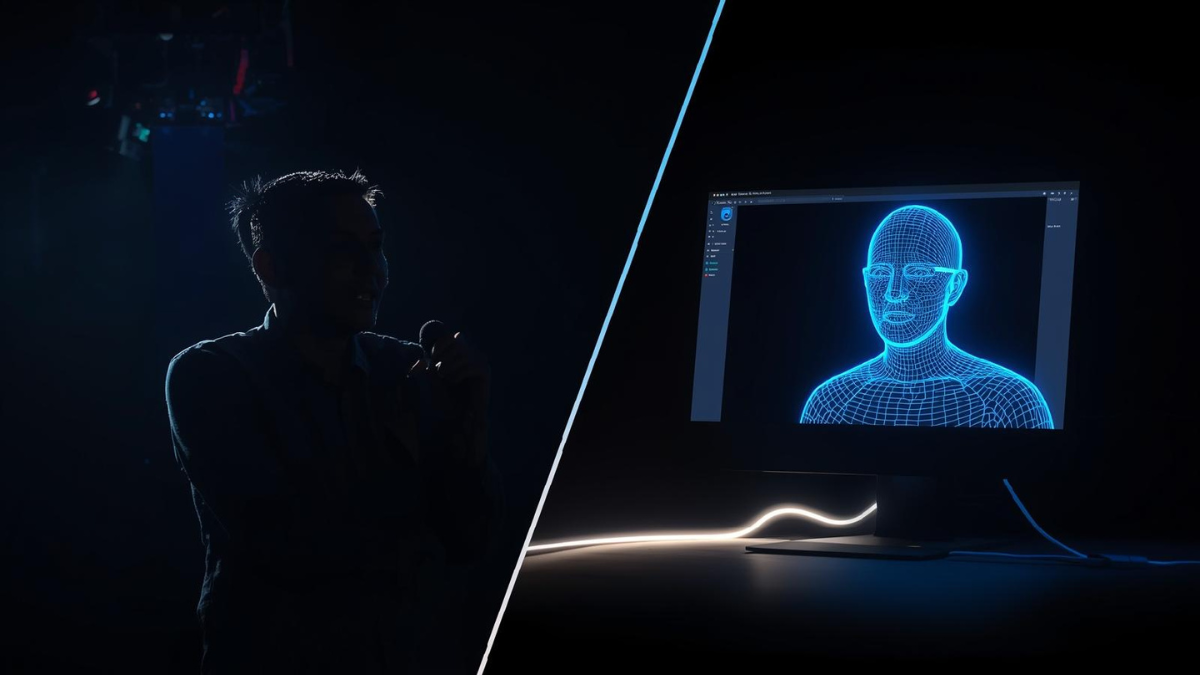
Hybrid meetings are the “Final Boss” of public speaking.
In the old days (pre-2020), you only had to worry about the people in the room. Then, we switched to Zoom, and you only had to worry about the camera.
Now, we have to do both. Simultaneously.
Hybrid meetings are notoriously difficult because they require you to run two different operating systems at the same time. You have to be “Big and Loud” for the people in the back row, but “Intimate and Framed” for the people on the screen.
If you treat the camera like a person, you look weird to the room. If you ignore the camera, you look aloof to the virtual audience.
Most speakers fail at this. They usually pick one audience and ignore the other.
To master the hybrid format, you need to learn how to toggle your body language settings in real-time. Here are the 5 critical switches you need to flip.
1. The Eye Contact Toggle (The “Lighthouse” vs. The “Lens”)
This is where 90% of speakers crash.
When you are speaking to the room, you use the “Quadrant Scan” (looking at different sections of the audience). But the moment you do that, the Zoom audience sees your profile. They feel like they are watching a security camera feed of an event they weren’t invited to.
The Fix: Treat the Camera as a V.I.P. guest sitting in the front row.
You need to integrate the camera lens into your eye contact rotation.
- Look at the Room: 70% of the time.
- Look at the Lens: 30% of the time.
Crucial: When you look at the lens, hold it for a full sentence. Do not just glance at it. Deliberately lock eyes with the “black hole” so the remote viewers feel seen.
2. The Gesture “Box” (Wide vs. Tight)
On stage, you want “Wing Span” gestures. You want to take up space. Big arms, wide stance.
But on Zoom, your frame is a tiny rectangle. If you throw your arms out wide, your hands disappear off-screen. To the remote audience, you look like a torso with no hands, flailing around.
The Fix: creating a “Hybrid Box.”
You must keep your gestures within the “upper torso” box—roughly from your belt buckle to your shoulders, and no wider than your ribcage.
- In-Person: This looks authoritative and controlled.
- On Zoom: This keeps your hands visible inside the frame.
If you need to make a massive gesture for the live audience, step back from the camera first to widen your shot.
3. The Energy Tax (The +25% Rule)
Cameras are energy vampires.
Video compression technology flattens your personality. It strips away the 3D depth, the micro-expressions, and the “vibe” of being there. If you speak at your normal conversational energy level, you will look bored on screen.
The Fix: You need to overclock your energy by 25%.
You have to be slightly “too intense” for the room in order to be “just right” for the screen. Smile 25% harder. Enunciate 25% clearer.
For a deep dive on why video calls drain our energy, check out this excellent breakdown on Zoom Fatigue and Non-verbal Overload.
4. The “Lean” vs. The “Plant”
In a physical room, moving towards the audience (The Lean) signals intimacy and importance.
In a hybrid setup, if you lean too far forward, your face fills the entire screen on Zoom. This is the “giant nose” effect. It is invasive and uncomfortable for the viewer.
The Fix: Plant your feet.
Find the “Sweet Spot”—the exact distance where you are visible from the waist up on camera—and plant your feet there. Do not wander. In hybrid, your “stage” is limited by the camera’s field of view. If you walk out of frame, you cease to exist for half your audience.
5. The “Lag” Pause (Buffering Time)
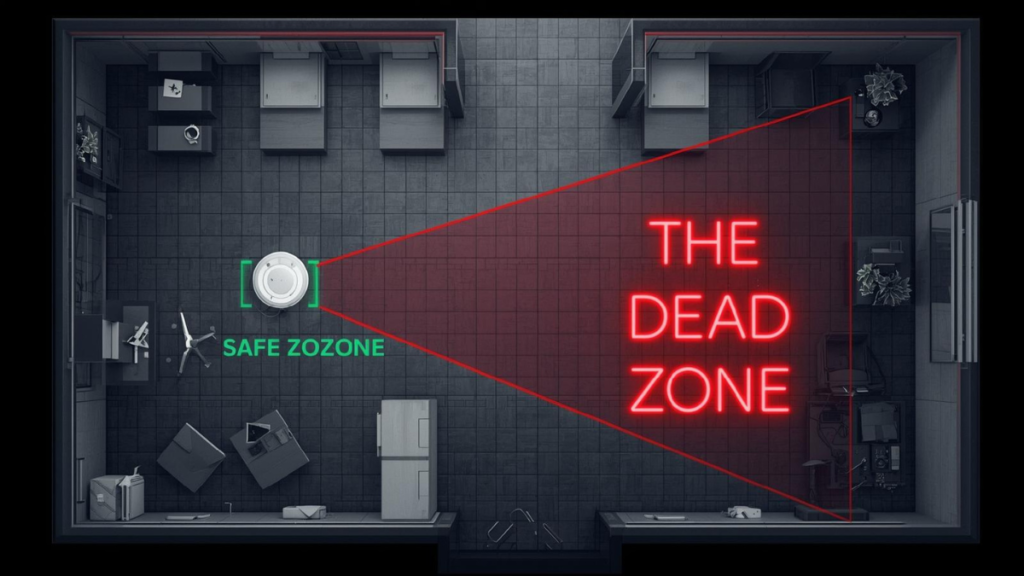
Audio latency is real. In a physical room, sound travels instantly. Over the internet, there is a 200ms to 500ms delay.
If you tell a joke, the people in the room might laugh instantly. The people on Zoom might laugh a second later. If you start talking immediately, you step on the remote laughter (or worse, you miss their question).
The Fix: Extend your pauses.
After every major point, add an extra “beat” of silence. This acts as a buffer, allowing the signal to travel to the remote servers and back. It feels slow to you, but it feels respectful to them.
💡 Pro Tip: The “Transition Tax”
Hybrid meetings are notorious for running overtime.
Why? Because switching between a live speaker and a remote speaker takes time. Unmuting, screen sharing, and audio checks eat up seconds.
Do not trust the agenda time.
If you are the host or the timer, you need to account for this “Transition Tax.” Use a timer that everyone can see—both in the room and on the screen.
The “Dual-Core” Speaker
Mastering hybrid meetings isn’t about being perfect; it’s about being inclusive.
It is easy to forget the people on the screen because they aren’t physically “there.” But often, they are the ones paying the most attention (because they are wearing headphones).
Don’t let them be spectators. Use your eyes, your hands, and your energy to pull them through the fiber optic cable and into the room with you.
Ready to practice your Hybrid Timing?
The hardest part of hybrid is managing the delay. Practice your speech with our timer to ensure you leave enough “buffer room” for the tech to catch up.
Open the Unofficial Speech Timer
Disclaimer: This guide is a personal resource created by Jel Salamanca. It is not an official publication of, nor is it affiliated with or endorsed by, Toastmasters International.